

SETTING UP YOUR PRINTER
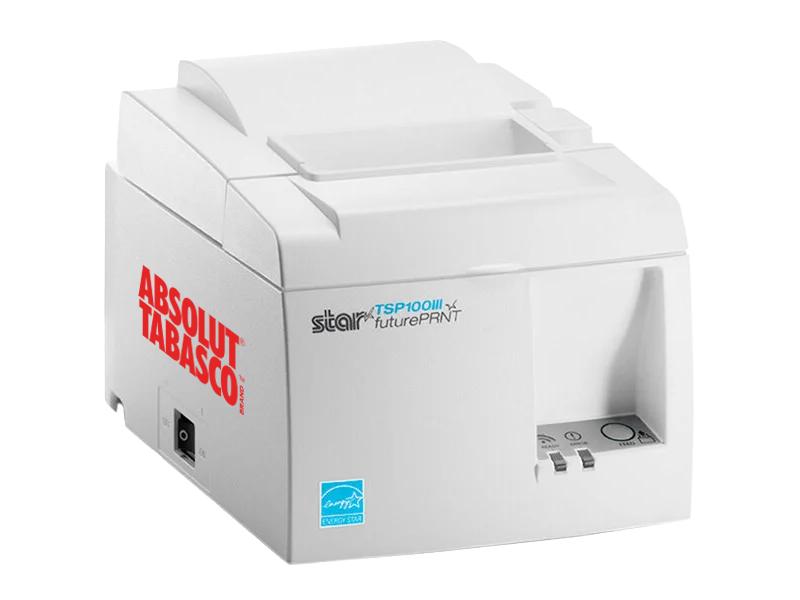
STEP 01:
INITIAL SET UP
Unbox printer and load paper roll
Plug in power
Test by pressing and holding the feed button
STEP 02:
download & INSTALL print driver
Download your driver
Open the downloaded file
Run the installer
Follow the on-screen steps
Note: Your printer should be set up and run from a laptop. It will not work via phone.
STEP 03:
RUN A TEST PRINT
Print a competitor ticket.
Select TSP100III in your computer’s printer list.
Attend weekly office hours (Mondays at 12:30EST) for live support and/or troubleshooting help!
